
Authentication is not only the sign-in form—it is the HttpOnly cookie chain that lets server routes know which feed mappings and history rows belong to you. Expired sessions explain sudden “default demo feeds” on the home page and missing history inserts even when probes are healthy.
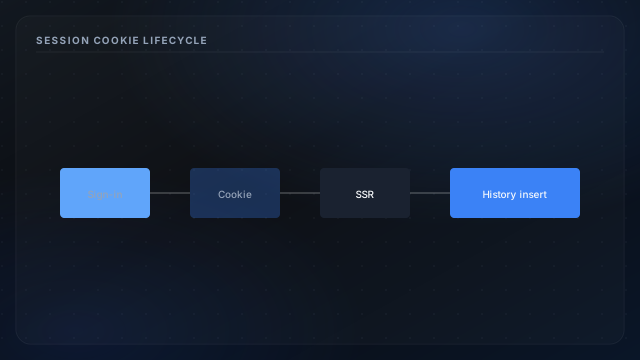
Lifecycle stages
- Sign-in — Supabase returns session; server sets scoped cookies.
- SSR requests — middleware validates before dashboard render.
- Refresh — silent token rotation before expiry when configured.
- Sign-out — cookies cleared; subsequent loads are anonymous.
Impact on data pipeline
History saves on authenticated home loads—see data flow overview. Guest visitors read public demo feeds via probe fetch without writing rows. Session bugs resemble data gaps in charts.
Security pairing
Combine with middleware auth and Supabase auth flow. Admin routes additionally check group membership.