
The DHT22 uses a slow single-wire protocol sensitive to capacitance and electrical noise. Bench setups with six-inch jumpers behave differently than ten-foot runs draped along garage door tracks. This guide translates physics into practical length and routing rules for remote probe heads while the Arduino stays near the Ethernet jack.
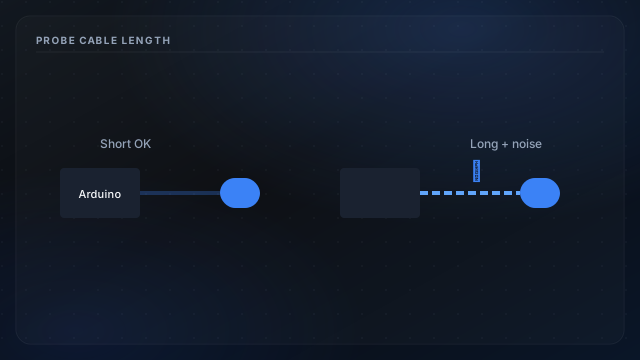
Recommended run lengths
Many installers treat **three to five meters** as a soft ceiling for unshielded three-wire cable (5 V, data, GND) with a proper pull-up at the MCU end. Beyond that, expect more checksum failures handled by retry logic.
- Twist data with ground for the full run; leave power paired separately if convenient.
- Avoid parallel routing with AC lines, door-opener high-voltage leads, and switching power supplies.
- One pull-up near the Arduino—do not duplicate at the far end unless you know the bus requirements.
Symptoms of an overlong run
Intermittent timeouts in serial logs, one probe key dropping from JSON while the other stays healthy, and humidity stuck at last good value often trace to cable issues—not bad sensors. Confirm wiring with data line wiring before swapping hardware.
Alternatives when distance is fixed
Relocate the MCU closer to probes inside a ventilated enclosure, use quality jumpers on the bench segment, and validate reads after sensor warm-up before trusting long-term history.