
Guides
Set up probes, freeze/flood alerts, sharing, and the API
Start with the job you need done. Hardware, freeze and flood/leak alerts, household sharing, and ingest/API docs in one place, then browse all articles if you want every guide.
Hardware setup
Sensors, wiring, firmware, and creating push/pull devices on the dashboard.
- Adding push and pull devices Choose push vs pull, create the device or feed, POST or pull readings, and confirm Home shows live values.
Also relevant to: API
- ESP32 freeze kit parts list Verified ESP32 + waterproof DS18B20 BOM with stable Adafruit product links and Amazon search shortcuts.
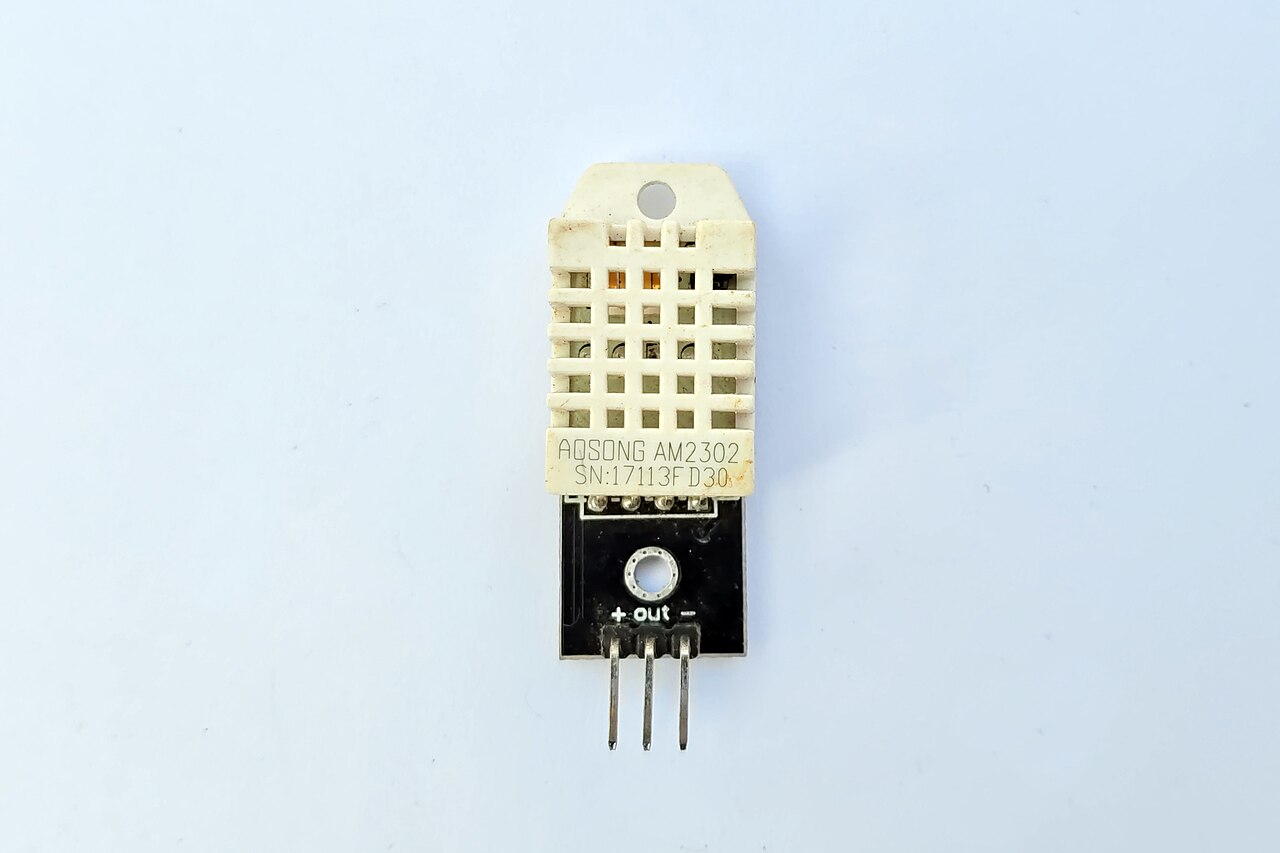
- DHT22 sensor overview Single-wire digital sensor, typical accuracy, and minimum read intervals.
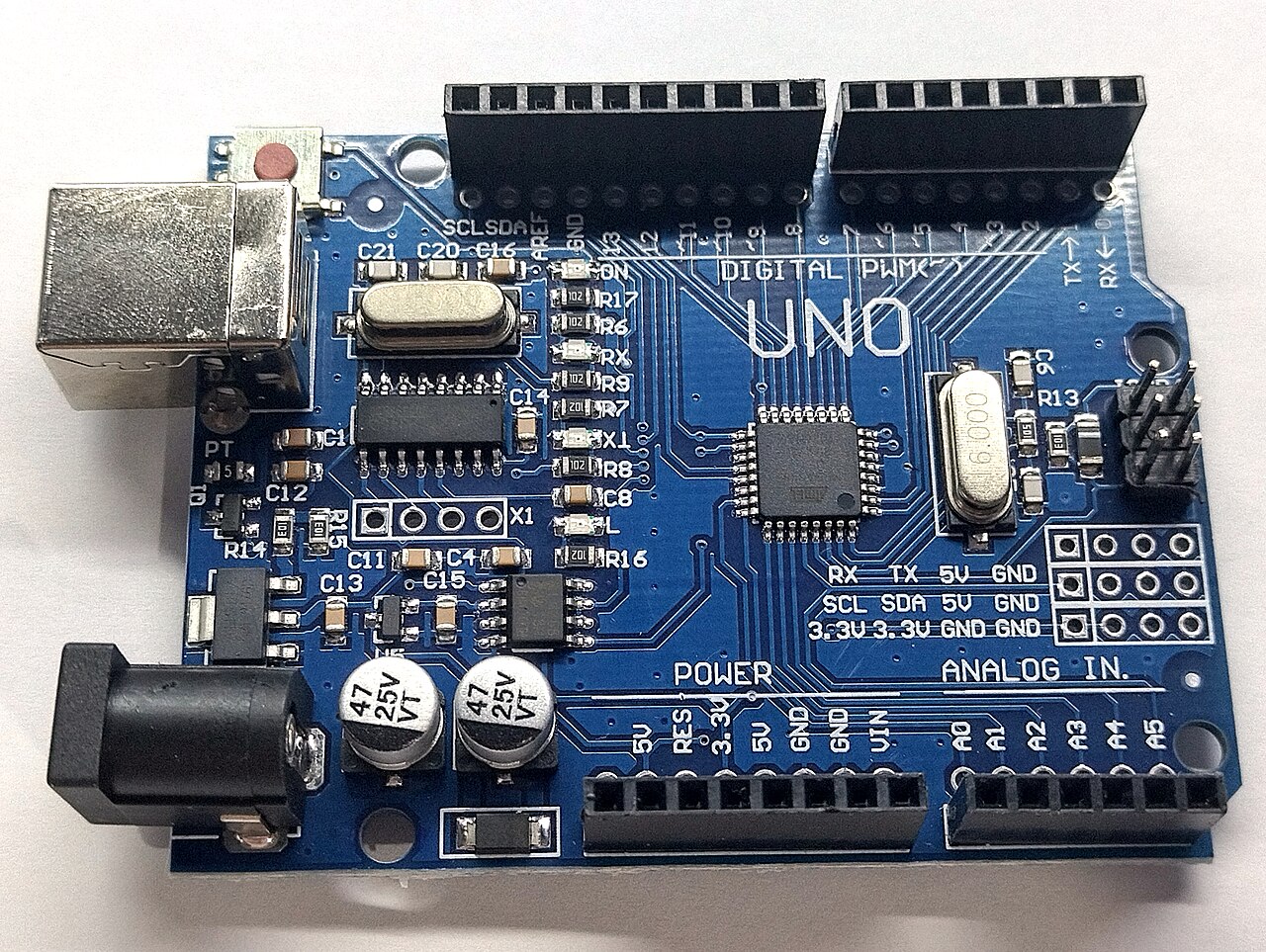
- Arduino circuit wiring overview How USB power, the breadboard, contrast pot, LCD, sensors, and Ethernet shield fit together.
- Arduino and Arduino sketches Sketches read probes, format JSON, and publish readings over HTTPS from the monitored space to the web.
- ESP32 OTA and battery reporting Keep ESP32 firmware current on your LAN while telemetry posts to the ingest API.
- ESP32 flashing options No hosted one-click binary flasher: download a personalized sketch, then flash with IDE, PlatformIO, or esptool-js.
- Raspberry Pi Pico W ingest RP2040 / RP2350 Wi‑Fi probes: CircuitPython code.py, MicroPython, or Earle Philhower Arduino, DS18B20 on GP4.
- STM32 Zephyr ingest Cortex-M7 Ethernet probe: Zephyr C on Nucleo-F767ZI, DS18B20 on Arduino D4, HTTP to a LAN TLS relay.
- CH32V RISC-V ingest RISC-V Ethernet probe: WCHNET C on CH32V307, DS18B20 on PB12, HTTP to a LAN TLS relay.
- AVR assembly ingest Uno + W5100 in GNU AVR assembly: DS18B20 on D7, HTTP to a LAN TLS relay, not Arduino C.
- Cellular ingest (Particle Boron) LTE freeze probe: Particle Boron + DS18B20 on D2, Particle webhook to HTTPS ingest.
- Teensy 4.1 Ethernet ingest Teensy 4.1 + QNEthernet: DS18B20 on pin 4, HTTP to a LAN TLS relay.
- PIC18F67J60 Ethernet ingest Microchip Ethernet probe: MLA C on PIC18F67J60, DS18B20 on RD0, HTTP to a LAN TLS relay.
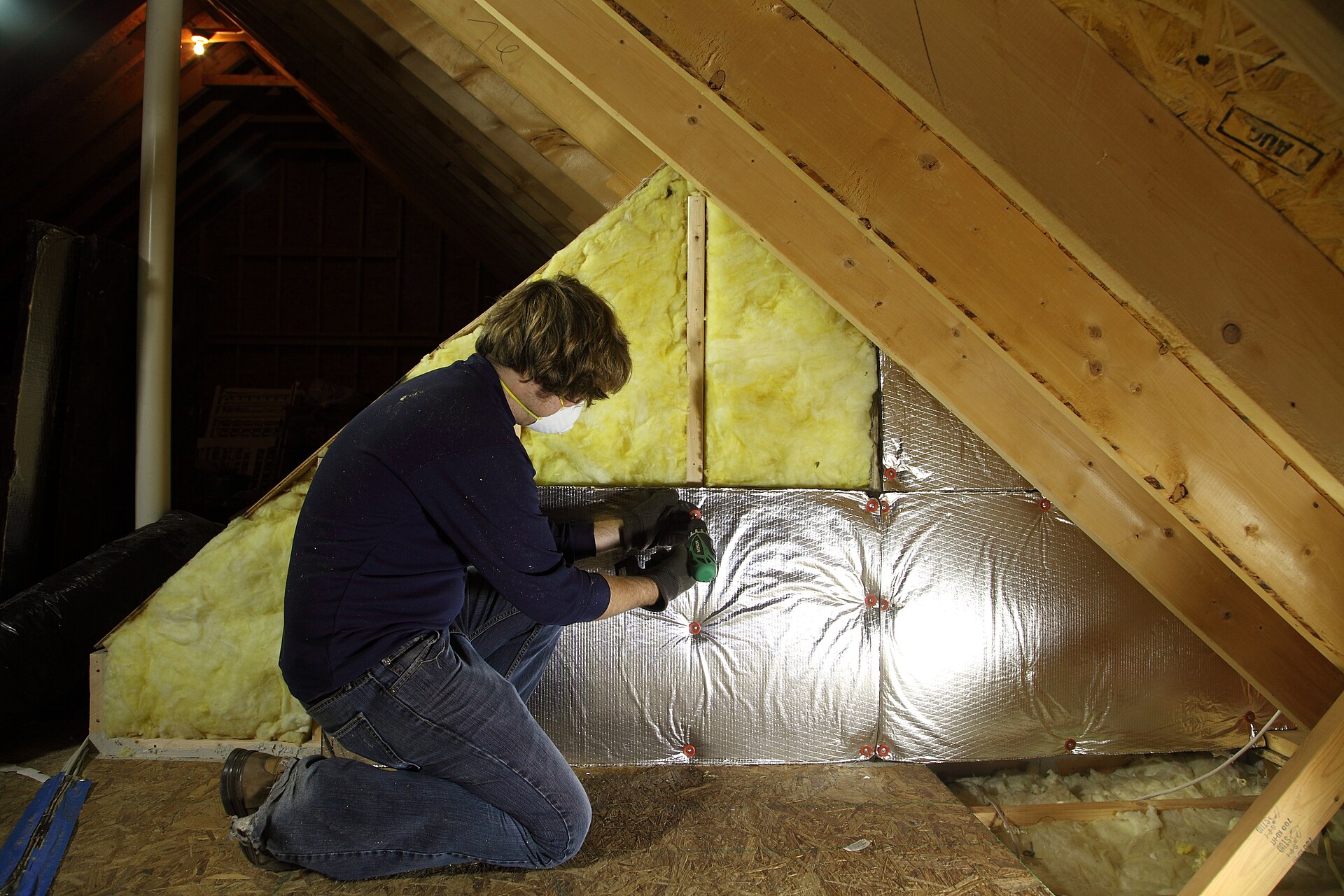
- Interactive probe demo Garage, workshop, attic, or crawlspace: watch freeze and leak risk and ingest JSON update live.
- Hardware accessories Claim puck, alert beacon, door/leak/power contacts, kit labels, mounts.
- Claim puck RP2040-Zero presence key and bay mood LED.
- Leak contact puck Water pads that POST wet/dry flood sensors.
Alerts
Freeze thresholds, leak alerts, cold-snap playbooks, and notification channels.
- Freeze protection thresholds Define risk temperatures from history instead of guessing from outdoor forecasts.
- Time-to-freeze explained Understand the hours-until-freeze clock so you act before the probe crosses your freeze threshold.
- Cold-snap alert playbook A practical checklist so freeze alerts turn into action instead of noise.
- Freeze → thaw flood playbook Companion to cold-snap: catch melt and drip floods under water heaters, laundry, and sumps while freeze season ends.
- Garage door + cold alert playbook Stop heat loss and freeze risk when a garage door is left open on a cold night.
- Personal weather stations (Ambient & WeatherFlow) Point ThermalTrace at the station on your property: better yard-level freeze context.
- Alert channel cookbook Pick channels that match how your household actually wakes up for cold snaps.
- Freeze case study How a probe curve caught a cold night before pipes froze.
- Leak case study How a wet contact under a garage water heater caught a drip before it soaked the slab.
Sharing
Household access, the phone app you can install today, and public status pages.
- Household sharing walkthrough Keep probes and alerts in one household without sharing a password.
- Accounts, subscriptions, and dashboard tools Create an account, connect hardware, configure alerts, invite household members, and upgrade when you need Pro channels.
- Install as an app (PWA) Desktop, Android, and iOS install steps, plus Web Push limits on Apple devices.
- Companion apps Android, Desktop, Bay Buddy, and PWA clients for your account.
- Android app (early access) GitHub build/sideload while Play review finishes; PWA works today.
Integrations
Home Assistant HACS, MQTT→HTTPS bridge, ESPHome/Shelly, and comparison guides. Payload schemas live under API.
- Integrations hub Home Assistant HACS, MQTT bridge, Grafana, webhooks, Nest/Ecobee, and Zapier.
- Home Assistant (HACS) Official custom integration: share-link sensors, snooze/vacation services, optional push ingest.
Also relevant to: API
- MQTT bridge recipe POST /api/ingest/mqtt, Home Assistant rest_command, and Node-RED flow: dual-run without exposing your broker.
Also relevant to: API
- ESPHome and Shelly recipes Copy-paste HTTP POST recipes for common LAN sensors: dual-run with Home Assistant MQTT.
- vs DIY MQTT When hosted freeze and leak alerts beat self-hosting Mosquitto and cron.
API
Ingest payloads, outbound webhooks, OpenAPI, and Zapier/Make. Device creation is under Hardware; HACS and MQTT under Integrations.
- Ingest API and alert webhooks Device API keys, typed sensor payloads, SenML and HA REST auto-detect, outbound HMAC webhooks, and Pro alert channels.
- HTTP API documentation Ingest, metrics, webhooks, and the OpenAPI spec.
- Zapier and Make.com recipes Route alerts to Zapier/Make and pause notifications from other smart-home flows.
Also useful
Stories, comparisons, and integrations sit beside the how-to library.
Frequently asked questions
Quick answers before you dive into a category.
Where should I start?
Pick a job below: hardware setup (ESP32 freeze kit), freeze/flood alerts, household sharing, or the HTTP API. Or open the full About library.
Do you sell hardware kits?
No. ThermalTrace is software. Buy parts from Adafruit or Amazon using the ESP32 freeze kit BOM and accessories pages, then flash a pre-filled sketch from Devices.
Where are customer stories and comparisons?
Case studies: thermaltrace.dev/stories. Versus DIY MQTT, Govee, Tempest, Nest, and Ecobee: thermaltrace.dev/compare. Home Assistant: thermaltrace.dev/integrations.